Coming from another DAM? We’ll migrate you for FREE from Canto, Brandfolder, Air, and more! Let’s talk

Content Portals

Build beautiful destinations for your content

Content Portals let you create branded portals inside Stockpress — bringing together files, Collections, videos, buttons, colors and fonts into single pages that are easy to navigate and simple to share. No code. No designers. Just beautifully organized content.

Get started for free

Create pages for every team and use case

Stockpress Custom Portals turn your workspace content into an experience.

Brand guides

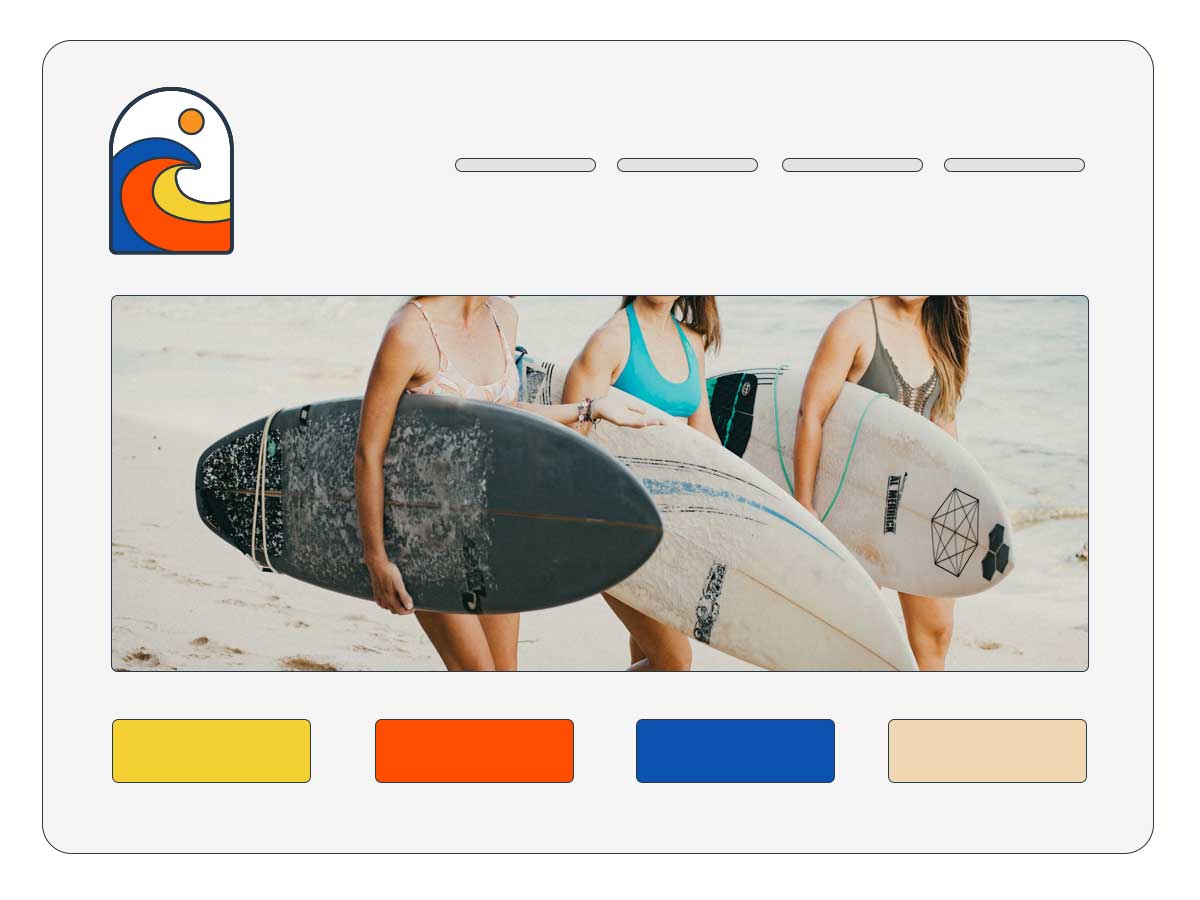
Create living brand guidelines with logos, colors, fonts, downloadable assets and more.

Media hubs

Provide journalists with approved logos, photography, press releases and media resources in one place.

Campaign & product pages

Bring together messaging, creative assets, videos and downloads for every campaign or product launch.

Sales enablement

Give sales teams instant access to presentations, case studies, videos and collateral.

Partner Portals

Share approved resources with distributors, agencies and resellers.

Team resource centers

Build internal hubs for onboarding, documentation, training and shared resources.

See how it works in under 30 seconds

Not every visitor should have to search your workspace. Sometimes you want to tell a story, guide someone through your brand, highlight important downloads, or create a destination around a campaign. Content Portals transform your content library into pages people actually enjoy using.

Made with flexible building blocks

Columns layouts

Create responsive multi-column layouts that organize content naturally. Mix Collections, images, copy and video, side by side without touching a line of code.

Workspace Collections

Display your workspace Collections as featured layouts, grids, or sliders that automatically update as your content does. As your library evolves, so does your page.

Custom branding

Apply your own logo, fonts, brand colors, and layouts across every page. Whether your brand is bold, minimal, or highly visual, Content Portals adapt to create an experience that feel like a natural extension of your brand.

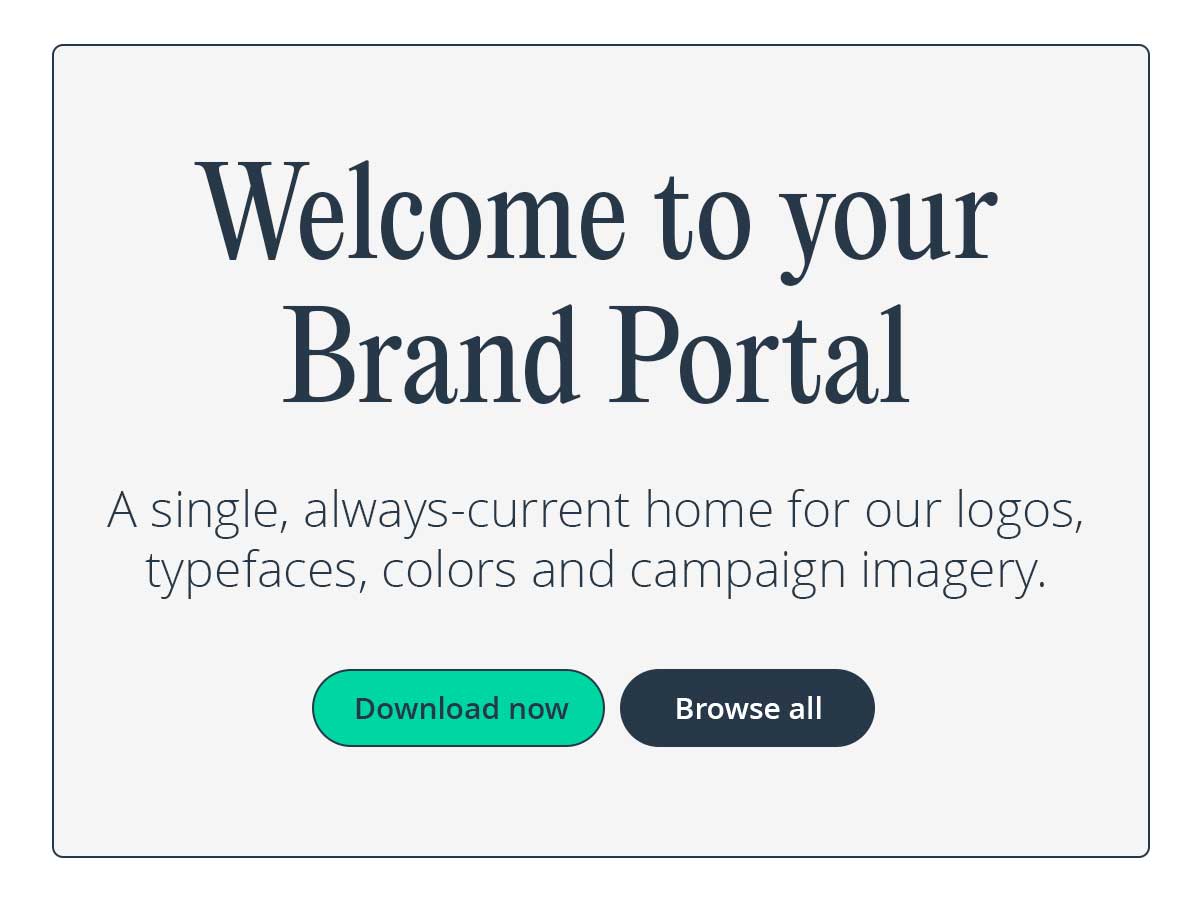
Headings, buttons, and CTAs

Add headings, buttons, promotional CTAs, text blocks, and HTML wherever you need them. Every page tells the story you want it to tell.

Embeddable video

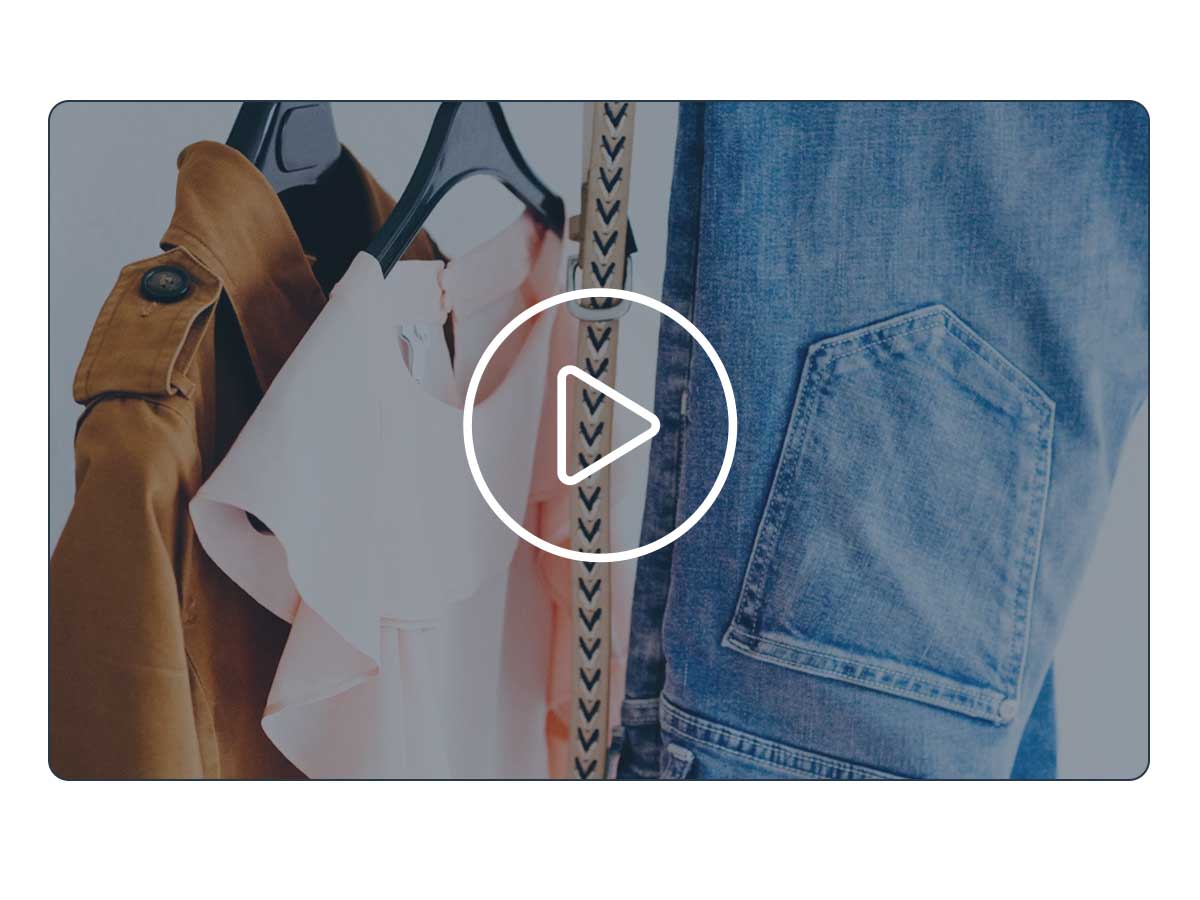
Select videos from your Stockpress workspace, or embed link from YouTube, Wistia, or Vimeo directly on any page for fast playing video, right on your Content Portals.

Pages that update themselves

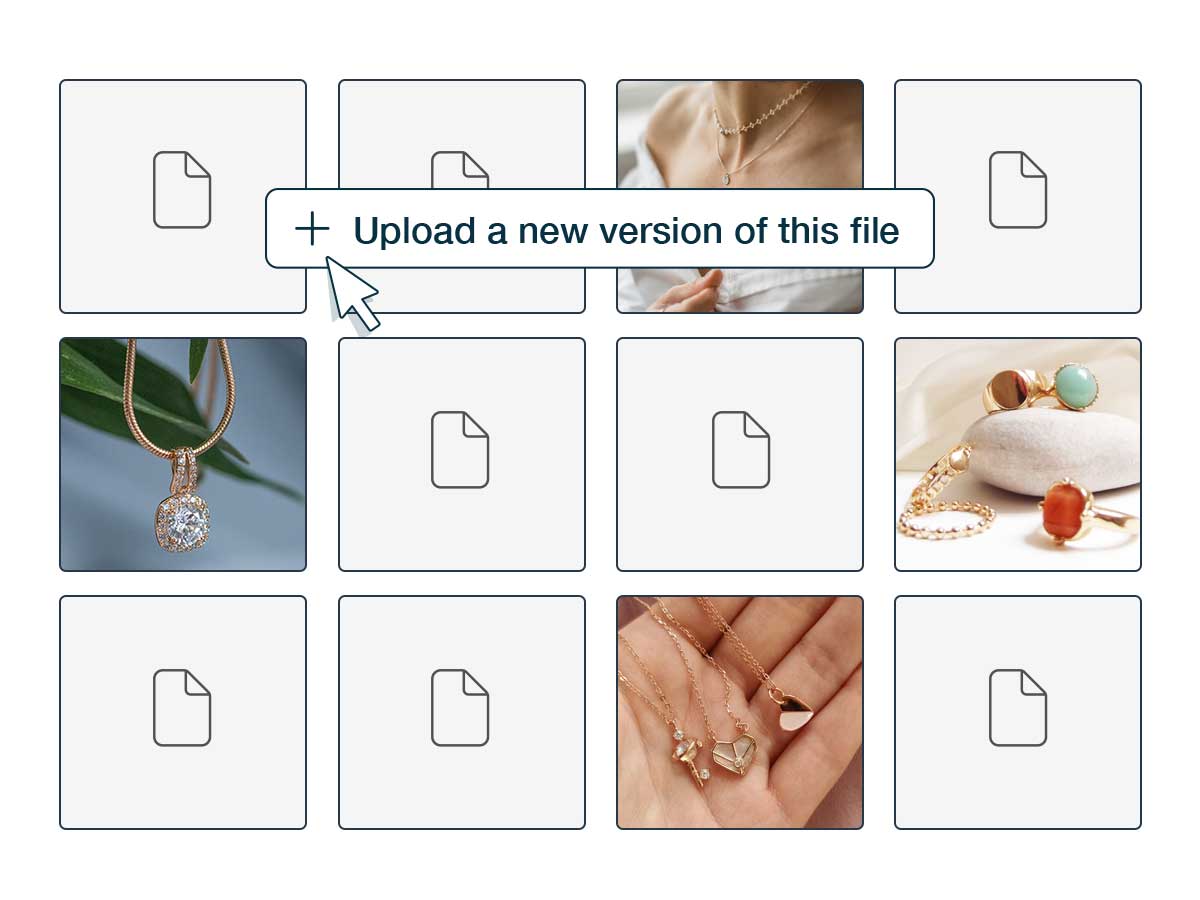
Unlike static webpages, Content Portals connect directly to files stored in Stockpress. Collections and file feeds update automatically as your library evolves — create it once, maintain it automatically.

Used by modern content teams

See how different teams can use Content Portals to share content faster.

Marketing teams

Build campaign hubs that bring together every asset, video, and download in one shareable destination.

Find out more

Brand Managers

Create living brand guidelines that stay current automatically — no more sending updated ZIP files every time something changes.

Find out more

Creative teams

Showcase approved assets in polished, branded pages — without needing a developer or designer to build them.

Find out more

PR & Media teams

Publish media resources; logos, photography, press releases — in a destination journalists can access anytime.

Find out more

Sales teams

Give reps instant access to the latest presentations, case studies, and collateral through one organized page.

Find out more

Your content, beautifully presented

From simple landing pages to comprehensive brand guides, Content Portals make it easy to create destinations people want to visit, and content that's easier to discover, and share.

No credit card required. Try all Premium features for 14 days.

Content Portal FAQs

  • What is a Content Portal?

    A Content Portal is a branded, shareable page you build using content already in your Stockpress workspace — your logo, colors, fonts, Collections, and files. It’s a way to package your best work into one page and share it with anyone.

  • Do people need a Stockpress login to view my Content Portal?

    No. You can share your Content Portal publicly with anyone via a link — no login required. (You can also choose to keep it private and accessible only to logged-in users, if you prefer.)

  • Will my Content Portal stay up to date automatically?

    Yes. Because your Content Portal pulls directly from your workspace, any updates you make to your Collections or files are reflected automatically — no need to rebuild or resend anything.

  • Can I match my Content Portal to my brand?

    Yes. Upload your own fonts or choose from Google Fonts, set your brand colors, and add your logo — so the page looks and feels like your brand, not a template. Want to make a Content Portal for a client? You can add their logo and colors too!

  • How long does it take to build one?

    Just a few minutes. Add sections like Collections, Video, or a Collection Slider. Add your brand colors and fonts and arrange them how you like, and publish — no design or development work needed.

  • What can I use a Content Portal for?

    Anything you’d want to share as a polished, branded page — a press kit, a client or partner portal, an event recap, a product or Collection showcase, or a public-facing brand hub.