Coming from another DAM? We’ll migrate you for FREE from Canto, Brandfolder, Air, and more! Let’s talk

File Versioning

One file. Every version. Zero confusion.

Stop the “Final_Final_v3_ACTUAL_FINAL” madness. File Versioning in Stockpress means your team always knows what’s current, what’s been updated, and where to find it. That means your team always uses the latest file, and you never lose track of what changed.
Get started for free

Stockpress automatically stacks versions of every file update—so everyone uses the right file, every time.

See version control in action

Watch how easy it is to version files and keep your file history intact while showing only the latest to your team.

Ditch _final_v17 in your file names

Simple file versioning that keeps versions organized and teams in sync.

Single file versioning

Drowning in v1_final, v2, v3_this-one filenames?

Single file versioning

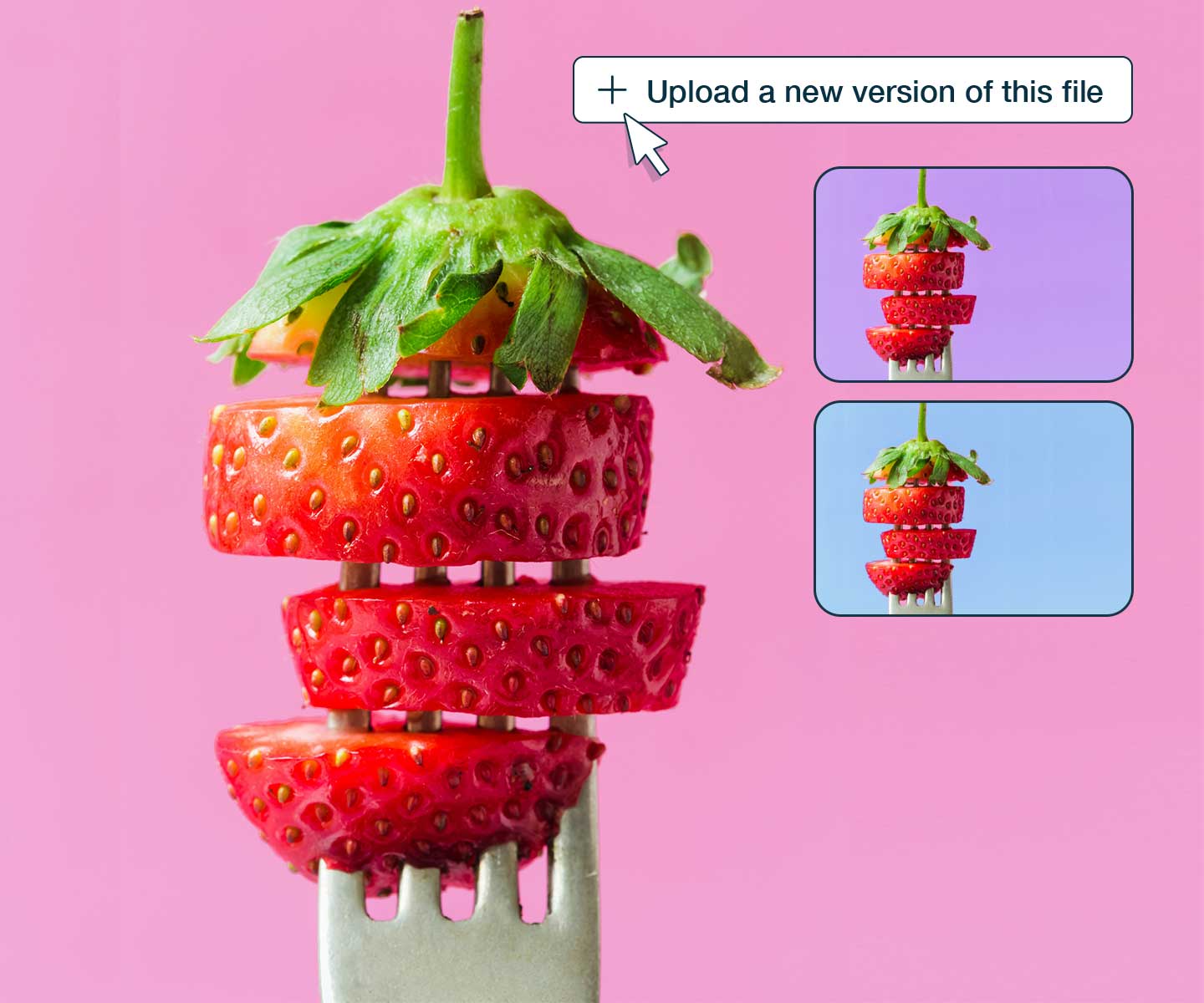
Upload a new version, and it automatically replaces the old one in your workspace. No duplicates cluttering your library. Only the latest version is visible to your team.

Auto-update share links automatically

Manually updating shared links?

Auto-update share links automatically

Every share link, Collection, and embed automatically updates to the newest version. Share once, never worry about resending links when files change.

Complete version history

Lost track of who changed what?

Complete version history

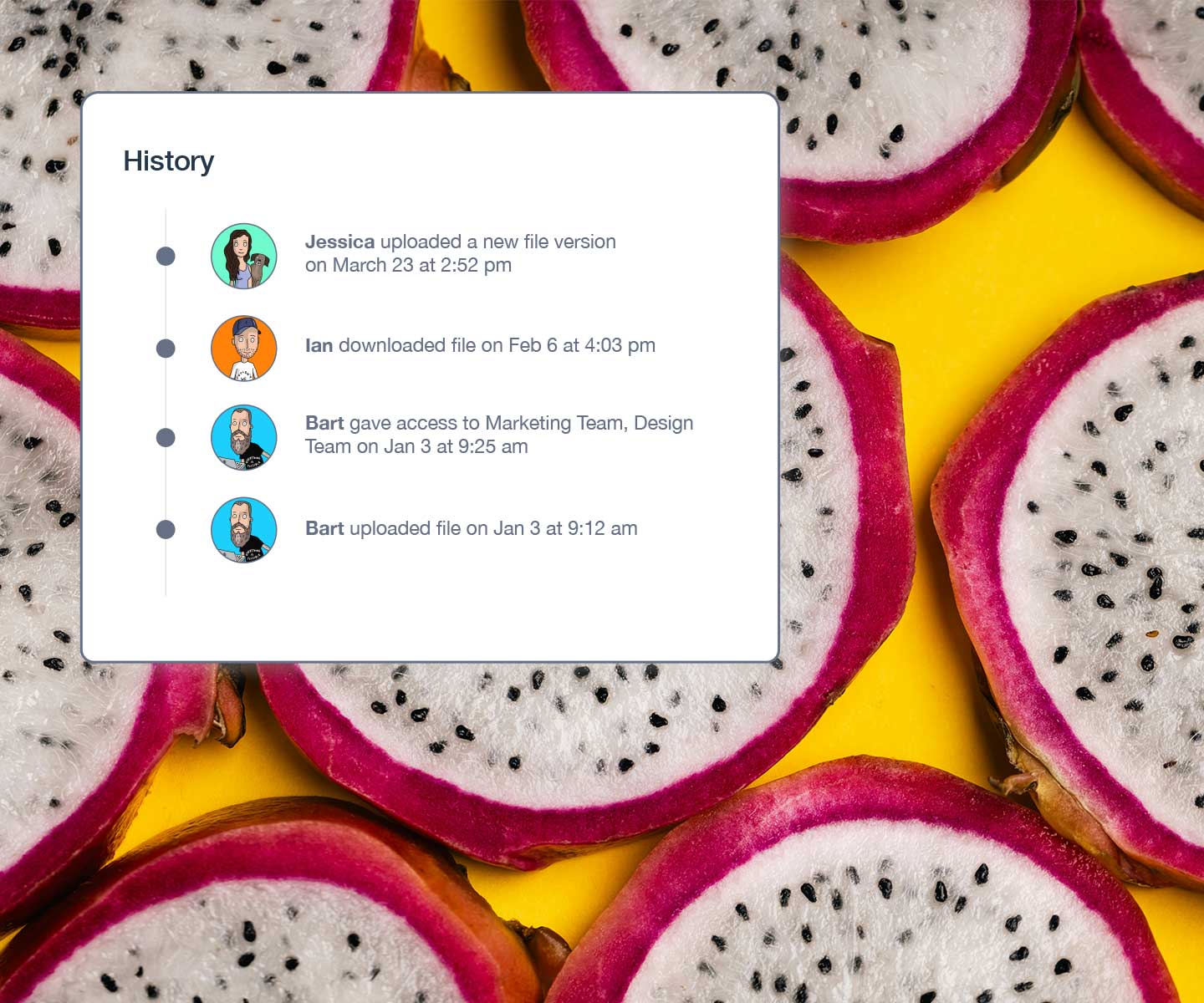
View every version with timestamps, uploader names, and change notes. Restore any previous version with one click. Download or compare versions side-by-side.

Who benefits from version control

See how different teams use versioning to work faster

Design teams

Version logos, brand assets, and campaign materials. Keep design evolution trackable while ensuring clients and teammates always access the approved version.

Find out more

Marketing teams

Update campaign assets, presentations, and collateral without breaking links. Keep all stakeholders synchronized on the latest approved materials.

Find out more

Sales teams

Keep sales decks, case studies, and one-pagers current. Update materials once and every sales rep automatically gets the latest version.

Find out more

Stop the version confusion today!

Version Control is just one of the smart reasons to try Stockpress. Start for free and get 14 days of Premium. No credit card required. Start organizing your files the right way.

No credit card required. Try all Premium features for 14 days.

Version Control FAQs

  • How many versions of one file can I have?

    Unlimited! You can have as many versions as you need for any file in Stockpress. Upload new versions as often as you want—whether that’s five versions or 500. All versions remain accessible to admins and file owners, and all metadata automatically carries over from one version to the next.

  • Can I restore previous file versions?

    Absolutely. All file versions are stacked and accessible to admins, managers, and file owners. You can view any previous version, restore it as the current version, download it separately, or even archive or delete old versions if you need to clean up. Restoring a version takes just one click.

  • What file types can I version in Stockpress?

    Any file type you want! Stockpress has no limits on file types or sizes. Version images, videos, documents, design files, code, spreadsheets—literally anything. Our intelligent system works with Adobe files, Office documents, media files, and everything in between.

  • What happens to share links when I upload a new version?+

    Any share link, Collection, or embed you’ve created automatically updates and will always point to the latest version of the file. You never need to resend links or update Collections manually. This works across all sharing methods—public links, password-protected links, and Collections.

  • Can I see who uploaded each version?

    Yes. Every version includes a complete audit trail showing who uploaded it, when it was uploaded, and any notes or comments they added. This makes it easy to track changes, understand the evolution of a file, and collaborate effectively across your team.

  • How does bulk versioning work?

    Upload multiple updated files at once, and Stockpress intelligently matches them to existing files based on filename. This is perfect for updating entire design packages, campaign assets, or product photo sets. Just drag and drop the updated files, and Stockpress handles the rest—versioning each file automatically.