Coming from another DAM? We’ll migrate you for FREE from Canto, Brandfolder, Air, and more! Let’s talk

Duplicate Detection

Stop duplicate files from multiplying

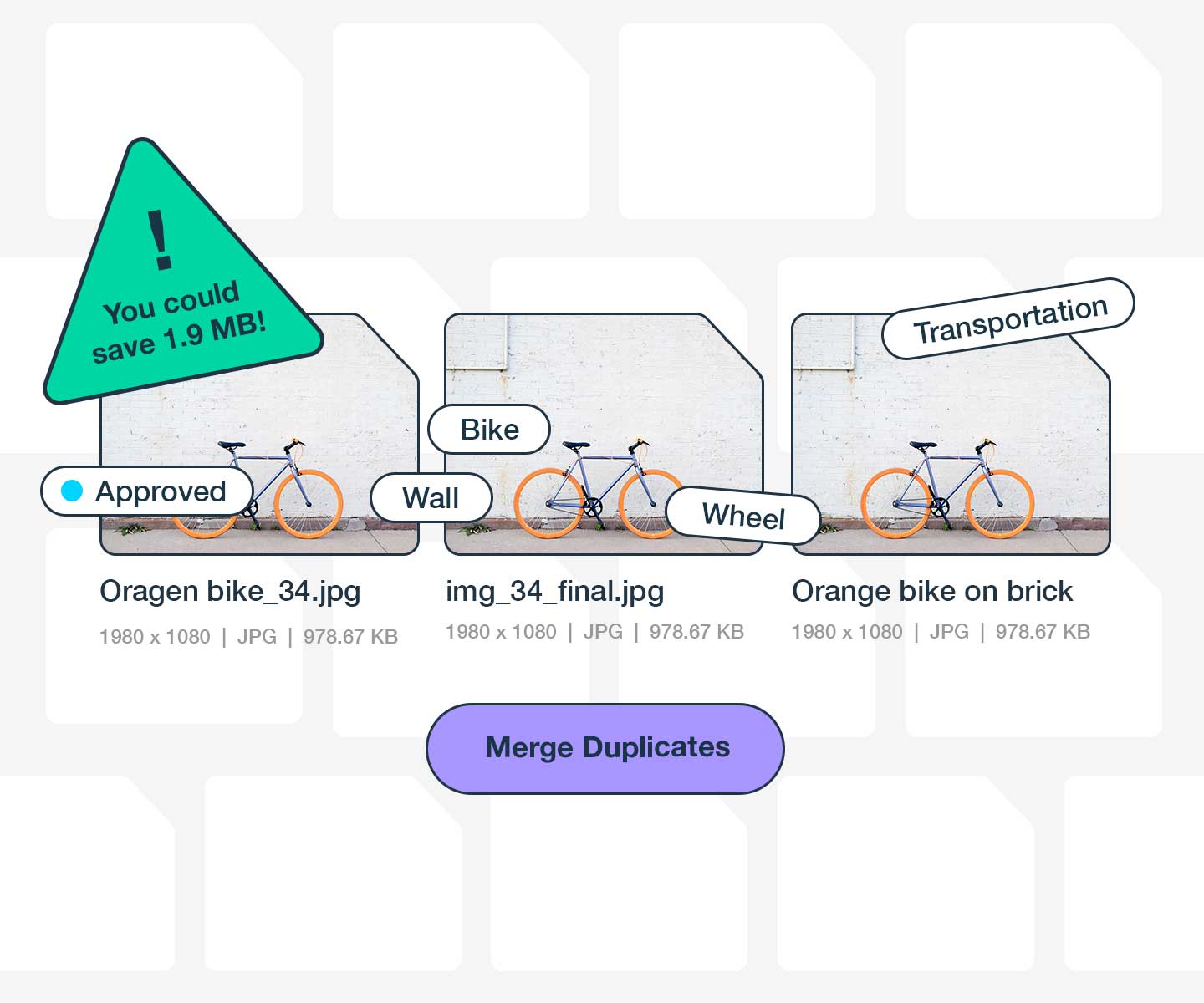
Stockpress automatically detects exact duplicates after every upload or import—saving storage space, eliminating confusion, and ensuring your team always uses the right file.
Get started for free

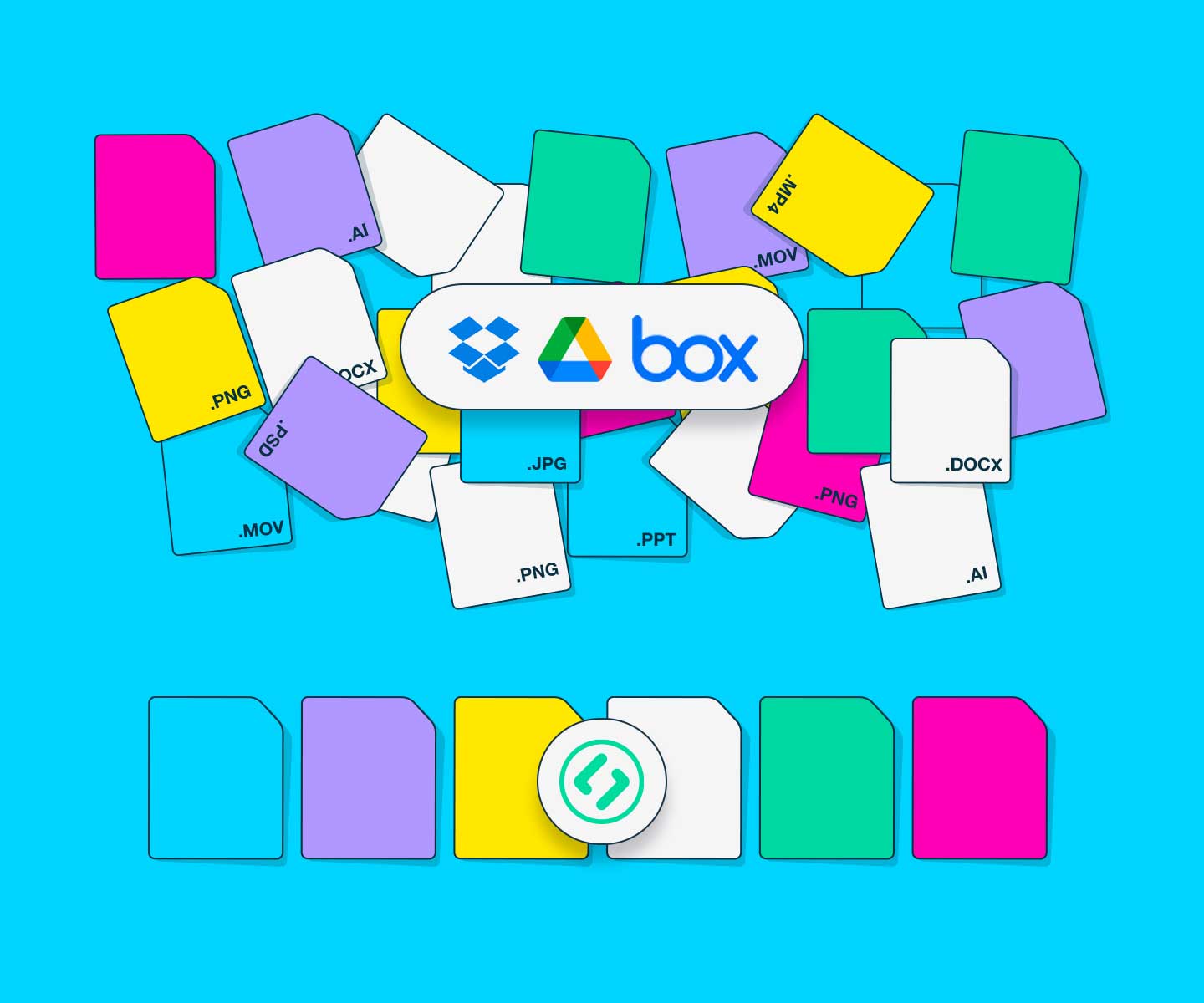
Migrating from Dropbox, Google Drive, or Box? Get instant alerts when imported files exist across multiple folders or already exist in your workspace.

See duplicate detection in action

Watch how Stockpress catches and resolves duplicates automatically.

Check out our video

Powerful duplicate detection

Everything you need to maintain a clear, efficient asset library

Smart, content-based detection

Wasting storage on duplicate files?

Smart, content-based detection

Stockpress analyzes the actual file content—not just the filename—to identify true duplicates. Even if files have different names or are in different Collections, we’ll catch them.

Merge all duplicates, no matter where they are

Duplicates spread across Collections?

Merge all duplicates, no matter where they are

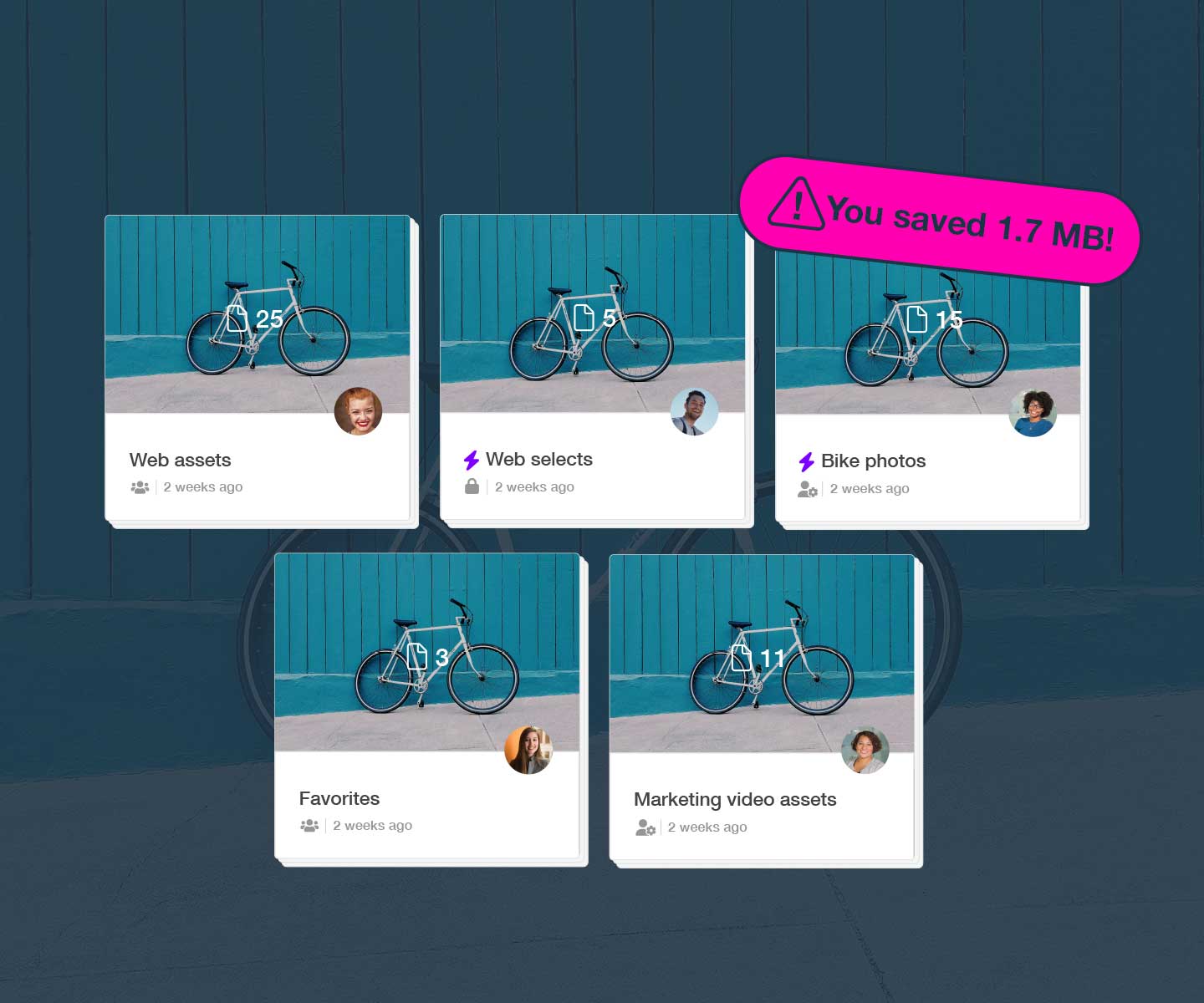
When you merge duplicates, all Collections, tags, and metadata are preserved. The merged file stays in every Collection where the duplicates existed—no broken share links, no missing files.

Automatic duplicate detection

Migrating from Dropbox, Google Drive, or Box?

Automatic duplicate detection

Moving from an existing file management tool shouldn’t mean inheriting all the clutter. Stockpress scans every imported file, and with a one-click bulk merge, syncing Google Drive or Dropbox folders won’t flood your workspace with files you already have.

Who benefits from Duplicate Detection

See how different teams eliminate duplicate files

Marketing teams

Eliminate duplicate presentations, reports, and corporate assets. Reduce storage costs and ensure everyone uses current, approved materials.

Find out more

Creative teams

Prevent brand assets from multiplying across campaigns. Ensure teams always use the right logos, templates, and marketing materials.

Find out more

E-commerce teams

Manage thousands of product images without duplicates. Keep your catalog clean and make sure the right product photo appears in every channel.

Find out more

One file. Zero doubt.

Duplicate detection is just one of the reasons savvy teams try Stockpress. Try Stockpress free for 14 days and see how much storage you can reclaim. No credit card required.

No credit card required. Try all Premium features for 14 days.

Duplicate Detection FAQs

  • How are duplicate files detected?

    Every time you upload or import files into your workspace, Stockpress automatically scans them against your entire library. We analyze the actual file content, dimensions, type, and metadata to determine if files are exact matches. Files are only identified as duplicates if the contents are 100% identical—even a one-pixel difference means they’re flagged as similar, not duplicates.

  • What if I upload a cropped version of a file. Will it be a duplicate?

    You can safely add different versions, sizes, or variations of files without them being flagged as duplicates. If the file dimensions, file size, or contents differ by even one pixel, Stockpress will recognize them as different files. They may be marked as “similar” so you’re aware of related files, but they won’t be identified as exact duplicates.

  • What if my duplicate files live in different Collections in Stockpress?

    This is very common, especially if files were imported from different sources like Dropbox, Google Drive, or multiple team folders. When you merge duplicate files, the merged file automatically appears in ALL Collections where any of the duplicates existed. In Stockpress, one file can live in multiple places without being duplicated, so nothing is lost when you merge.

  • Does duplicate detection work with all file types?

    Absolutely! Duplicate detection works with every file type Stockpress supports—images, videos, documents, design files, audio, code files, and more. The detection system analyzes the binary content of files, so it works regardless of file format or extension.

  • How much storage can I save by removing duplicates?

    Teams typically recover 20-40% of their total storage space when they first run duplicate detection on an existing library. The exact amount depends on your workflow and how files have been managed historically, but most teams are surprised by how many duplicates have accumulated over time. After initial cleanup, ongoing duplicate prevention keeps your library lean.