Coming from another DAM? We’ll migrate you for FREE from Canto, Brandfolder, Air, and more! Let’s talk

AI and Custom Tagging

Tag files your way—with AI or Custom Fields

Stop relying on folders and filenames. Tag files with the terms your team actually uses—campaigns, clients, products—and let AI handle the rest. Finding files becomes instant, not impossible.

Get started for free

Stockpress combines AI-powered auto-tagging with custom tags that match your business.

See Custom Tagging in action

Watch how Stockpress makes files instantly findable with smart tagging.

Powerful tagging features

Everything you need for intelligent file organization.

AI-powered Auto-Tagging

Manually tagging every file?

AI-powered Auto-Tagging

Our AI automatically tags images with detected objects, scenes, colors, and concepts the moment they’re uploaded. No manual work required—just upload and search.

Unlimited custom Tag Categories

Generic tags not matching your workflow?

Unlimited custom Tag Categories

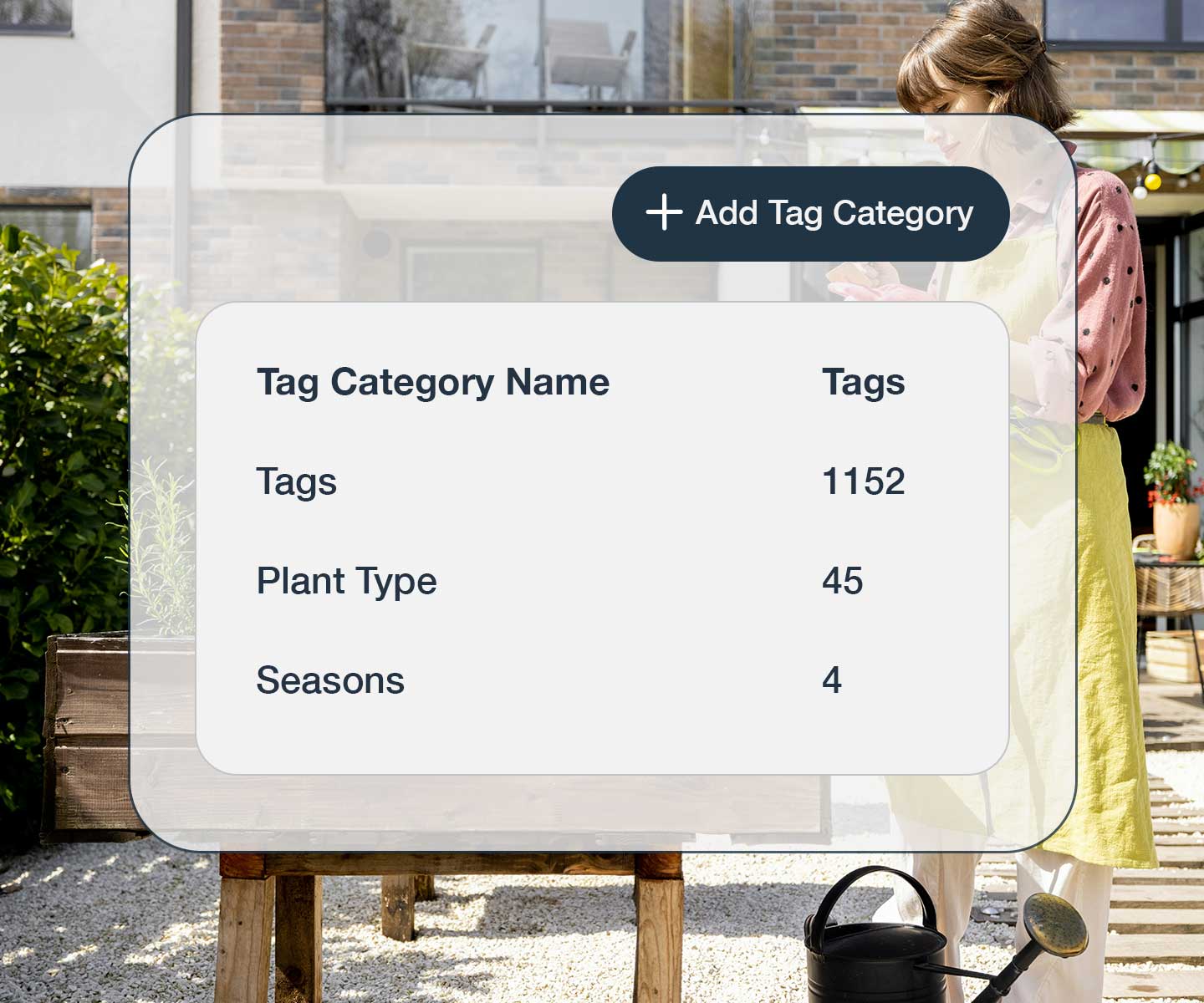
Create custom Tag Categories that reflect your business. Campaign, Client, Product Line, Region, Approval Status—you decide! Define your own taxonomy that makes sense to your team.

Metadata Mapping

Losing metadata when you import files?

Metadata Mapping

Automatically pull EXIF and IPTC metadata from your files and map it to custom Tag Categories. Import files from other DAM systems and preserve their existing metadata structure.

Who benefits from AI and custom tagging

See how different teams use AI and custom tags

Marketing teams

Tag assets by campaign, channel, region, and product. AI detects image content while custom tags capture marketing context for perfect campaign organization.

Find out more

Brand Manager

Tag brand assets by product line, market, approval status, and usage rights. Maintain brand consistency across regions and campaigns with precise tagging.

Find out more

Ecommerce brands

Tag products by SKU, category, season, and color. Find “blue summer dresses” instantly by combining AI detection with your product taxonomy.

Find out more

Tag smarter and find files faster today!

Your library won't organize itself. Start for free and let Stockpress do it for you.

No credit card required. Try all Premium features for 14 days.

AI and Custom Tagging FAQs

  • Can I migrate my existing metadata to Stockpress?

    Yes! If your metadata is embedded in your files (EXIF, IPTC), Stockpress can automatically read and map it to custom tag categories. If your metadata isn’t embedded, you can often export it as a CSV from your old system, and we’ll help you import it. Our migration team will work with you to preserve all your existing organization.

  • Can I edit or remove AI-generated tags?

    Absolutely! You have full control over AI tags. Remove tags from individual files or in bulk, delete entire tag categories from your workspace, or turn off AI tagging altogether if you prefer manual tagging only. You can also use a hybrid approach—AI tags for image content, custom tags for business context.

  • Can I apply Stockpress tags to files when I download them?

    Yes! When you download files, you can choose to embed your Stockpress tags as IPTC metadata. This means tags travel with your files when shared outside Stockpress. You can also export metadata as a CSV spreadsheet for reporting or integration with other systems.

  • How many custom Tag Categories can I create?

    There’s no limit! Create as many custom Tag Categories as you need. Campaign, Client, Product, Region, Status, Season, Style, Usage Rights, or any other classification that matches your workflow. Each category can have unlimited tags.

  • What types of content can AI auto-tag?

    AI auto-tagging works on images and can detect objects, people with our Facial Recognition feature, scenes, activities, colors, composition, and concepts. For example, it can identify “outdoor,” “product,” “people,” “landscape,” “blue sky,” and more.

  • Can I combine multiple tags in one search?

    Yes! This is where tagging really shines. You can filter by multiple tags across different categories simultaneously. For example: “Campaign:Summer2024 + AI:Outdoor + Product:Shoes + Status:Approved” to instantly find exactly the assets you need. You can also save these multi-tag searches as Smart Collections for one-click access or Pin your criteria for quick repeat searches.