
Switching from Digital Asset Management
You already know you need a DAM. Is yours worth the cost?
Most teams move to Stockpress faster than they expect — and the difference is immediate.
Most teams move to Stockpress faster than they expect — and the difference is immediate.
Teams don't switch Digital Asset Management systems because DAMs was the wrong idea. They switch because their platform stopped delivering value — and the costs kept going up.
Admin overhead grows as the platform scales. Fewer people can maintain it, and everyone else works around it.
Per-user licensing means decisions get made about access instead of about work.
The platform was implemented, but most of the team never adopted it. Assets scatter. Requests pile up.




Migrations are simpler than most teams expect. And the bulk of the heavy lifting is on us.
We review how your existing DAM is organized — and identify what’s worth bringing forward and what isn’t.
Assets are migrated via direct export, bulk import, API, or cloud storage transfer — depending on your current platform. Premium tier customers get hands-on support throughout.
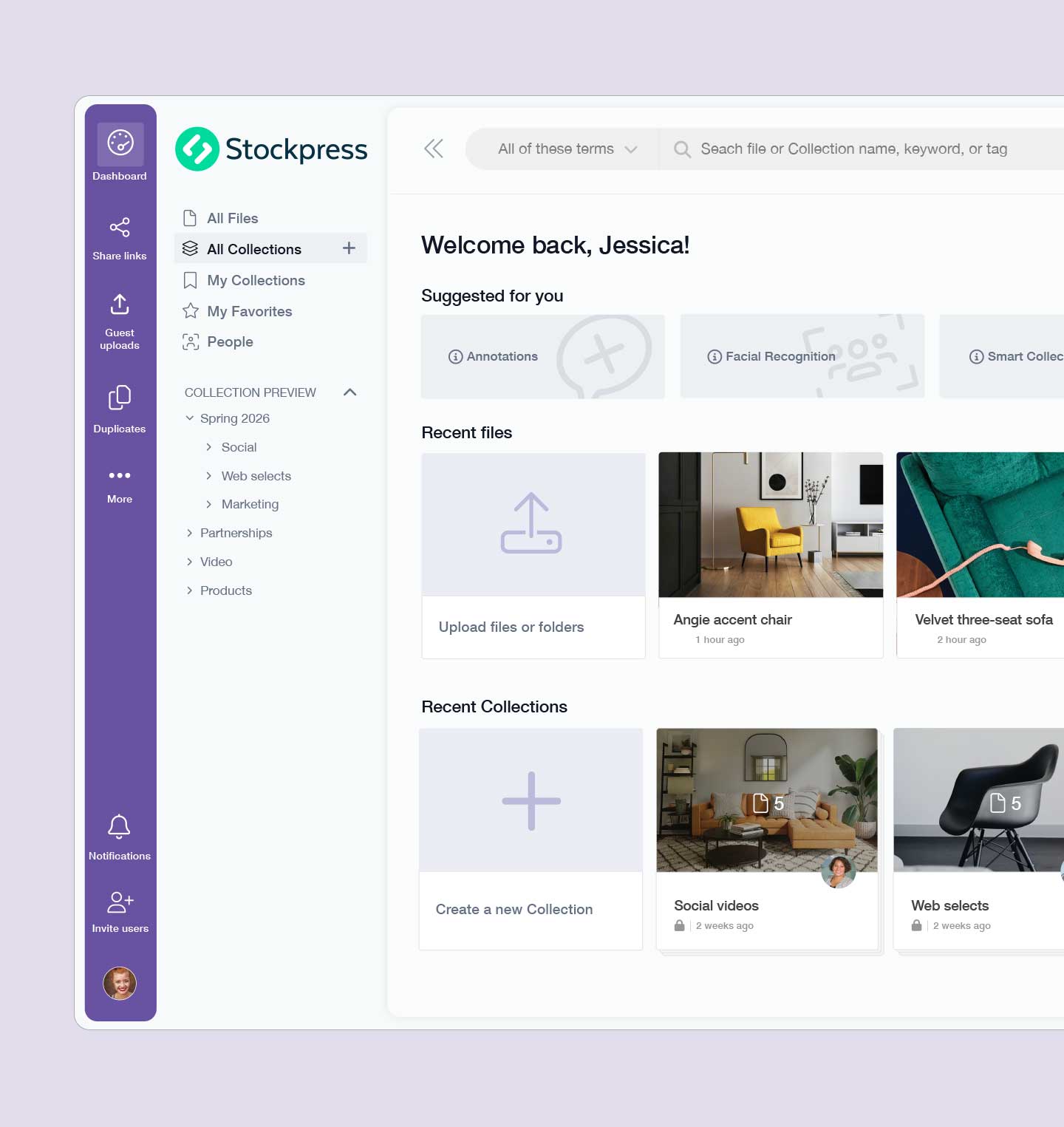
Most teams don’t rebuild their old system. They simplify it. Collections, metadata tagging, AI-generated tags, and visual search make a leaner structure easy to maintain.
Unlimited users. No seat calculations. Designers, marketers, agencies, and partners can all access the assets they need from day one.
Because Stockpress doesn't require heavy configuration before it's usable, most teams can begin working while migration is still underway.
Under 20k assets
20k–100k assets
100k+ assets
Is this the right fit?
Common questions about switching from other Digital Asset Management systems.
It depends on library size, but most migrations take days to two weeks — not months. Small libraries under 20k assets often complete in a few days. Because Stockpress doesn’t require heavy configuration upfront, your team can start working in the platform before migration is even finished.
No. For most migrations, you won’t need to involve IT at all. All Premium tier customers get direct support from our team — we handle the technical side so yours doesn’t have to.
We regularly migrate teams from Bynder, Brandfolder, Canto, Widen (Acquia DAM), Air, Image Relay, and others. Assets can be transferred via direct export, bulk import, or through API migration. If you’re not sure about your current platform, book a demo, and we’ll walk through it together!
For most marketing and creative teams, no. Stockpress includes AI tagging, facial recognition, duplicate detection, image editing, watermarking, version control, and integrations with Adobe, Canva, and tons of other tools you use every day. What it doesn’t include is the complexity layer that enterprise DAMs add on top — the heavy admin, the approval hierarchies, the configuration overhead. If you need that layer, Stockpress probably isn’t the right fit. If you don’t, you likely won’t miss it. Either way, the difference is pricing that grows with your team, not against it.
There’s no forced downtime. Your team can continue using your current DAM while migration is underway, but we would advise that new files not be added once the migration has started.
Start for free and explore the platform, or book a demo and we'll walk through your migration together.