

Stockpress app for Shopify
Your brand assets live in Stockpress. Your products live in Shopify. Now they work together—add approved files to your products without ever leaving your store.
Your brand assets live in Stockpress. Your products live in Shopify. Now they work together—add approved files to your products without ever leaving your store.
Stockpress connects directly to Shopify so your approved product images are always one click away—no downloading, re-uploading, or clicking through folders.
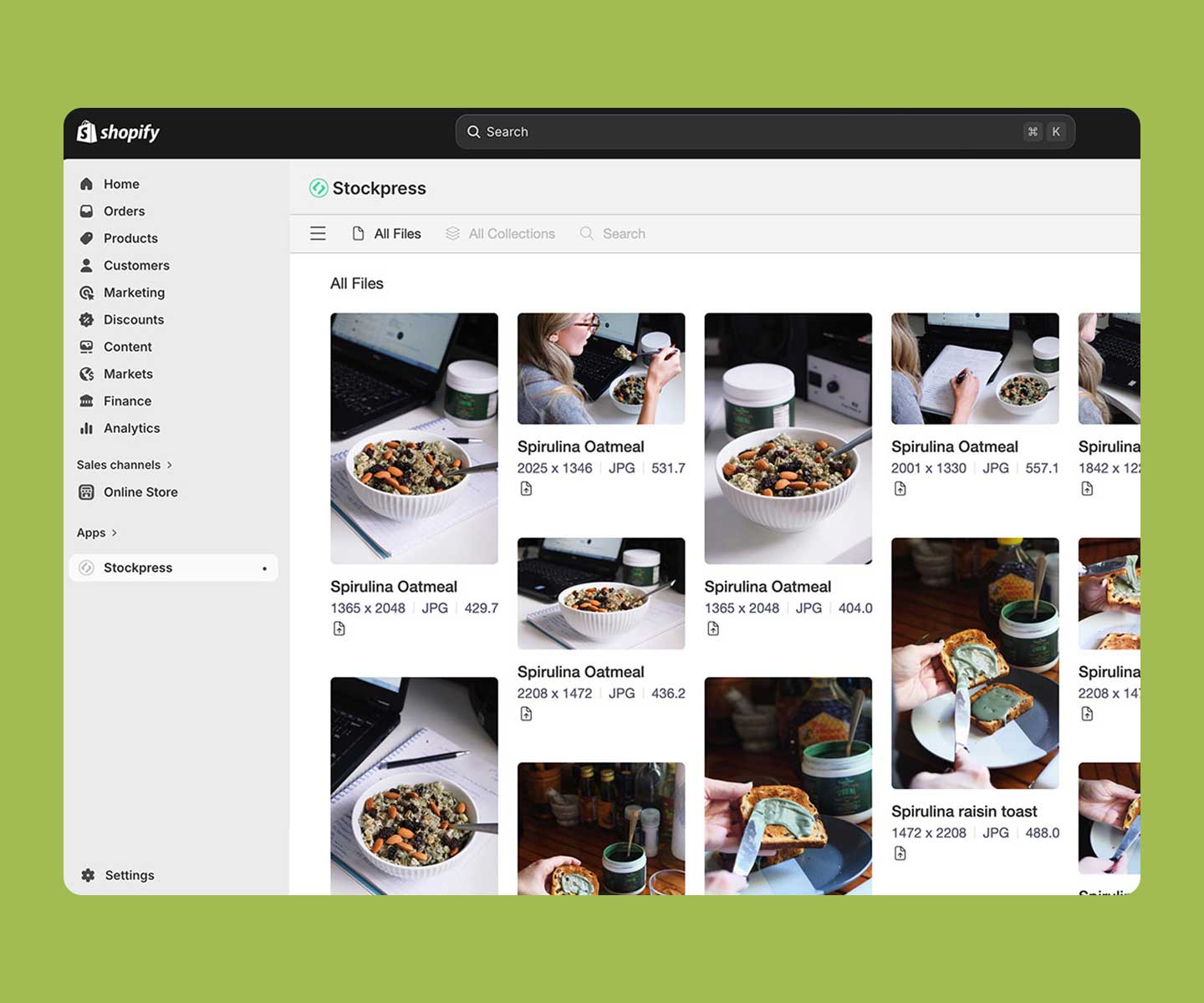
No more switching tabs or downloading files just to find the right image. Connect to your Stockpress workspace from the app and browse everything you need without leaving your store. Add files to your products in just one click!
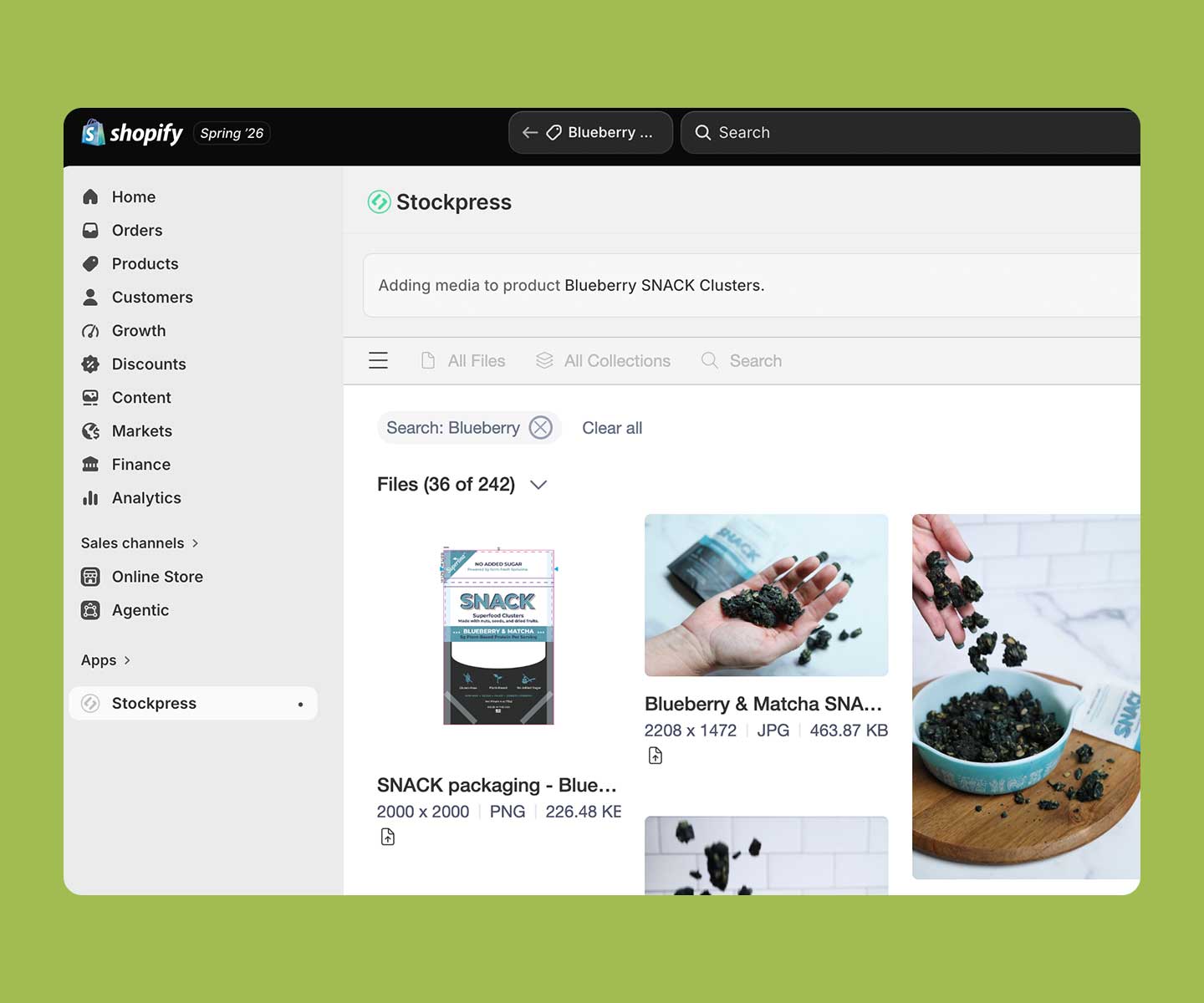
Don’t scroll through hundreds of files. Use Stockpress search inside Shopify to zero in on the right asset, fast. Search by keyword and sort results by newest, oldest, upload date, or alphabetically – just like in Stockpress. The right file is always a search away.
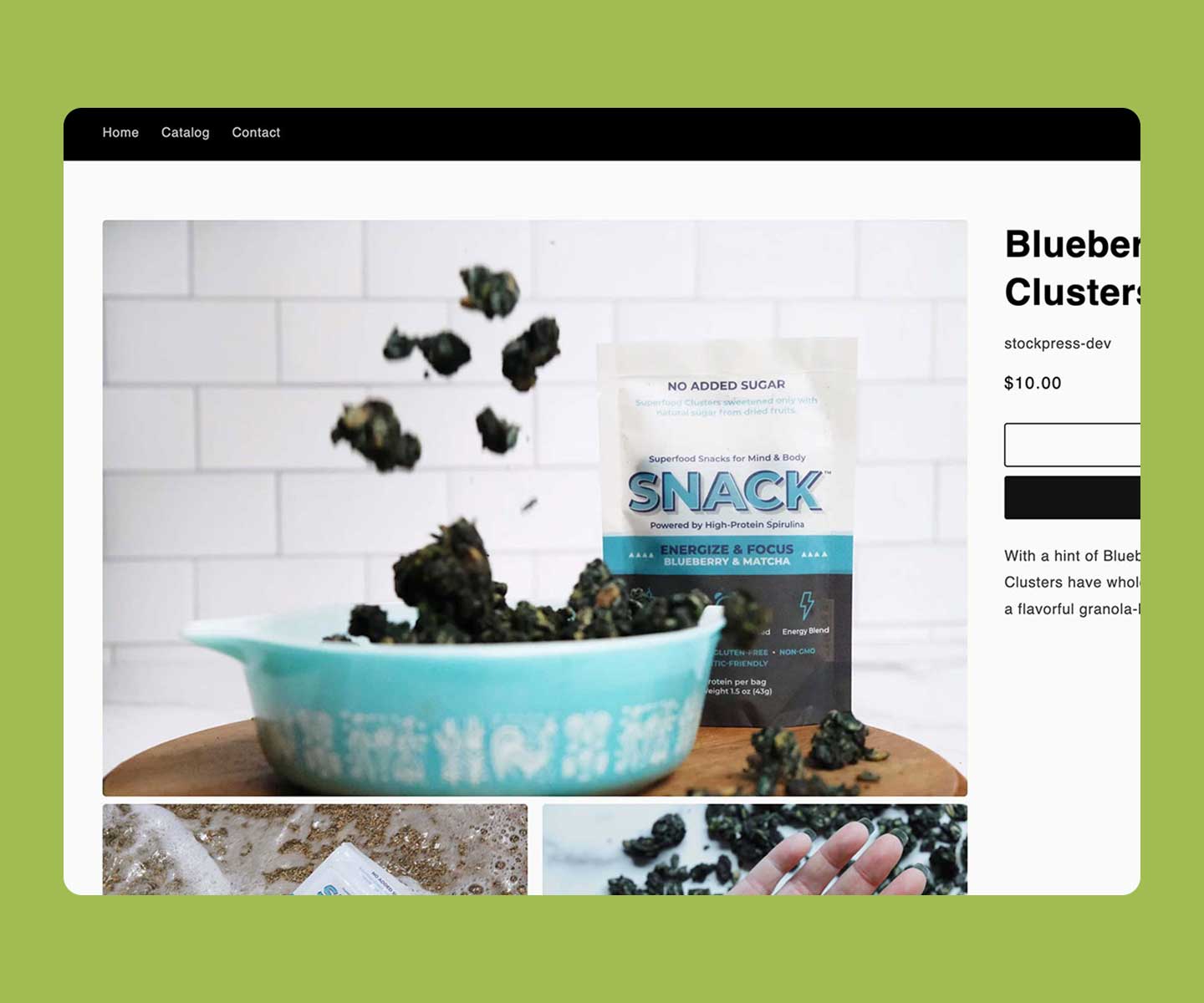
Product photos get updated, swapped, and re-shot. With Stockpress, every version lives in one place, so you always add the latest approved file to your store. Need to refresh an image? Search your library and update it in seconds—no manual re-uploading.
The app is developed and maintained by the Stockpress team, so it stays tightly integrated with your workspace and up to date.
You can add the image and video formats Shopify supports for product media—including JPEG, PNG, WebP, GIF, and HEIC images, plus MP4 and MOV video—directly from your Stockpress workspace.
No. Any changes you make in Shopify are completely separate from the file stored in your Stockpress workspace. The original is always safe.
Yes. The app includes full search and filter functionality—search by keyword, filter by file type or orientation, and sort results just like you would in your Stockpress workspace.
Start spending less time looking for your files and more time using them.
Every account gets 14 days FREE in our Premium tier — No credit card needed!